
Web Apps & Online Stores Built to Rank
I build the site. I handle the SEO. Most projects split those two jobs between different people - which means the developer doesn't think about search, and the marketer can't fix the code. Mine don't work that way.
One person. Both jobs.
I handle development and SEO. Most agencies split those two roles.
I build it, then I rank it
Most web projects separate the builder from the marketer. I do both. So when I make decisions about your URL structure, page layout, or site architecture, those decisions are already informed by SEO - not patched in after the fact.
You deal with me directly
No account managers, no project coordinators, no one relaying your message before it reaches the person doing the work. You contact me, I respond.
Engineer background, marketing experience
I have a formal IT engineering degree. I've also been doing digital marketing long enough to know what actually moves rankings. Both show up in how I approach your project.
Pick the Right Platform
The platform choice shapes everything: how fast you can launch, what the site can do, and what it costs to maintain. I work with two stacks depending on what your project actually needs.
WordPress & WooCommerce
WordPress with WooCommerce is the most practical starting point for most businesses. You get a proven CMS, a mature e-commerce layer, and a dashboard you can manage yourself without calling me every time something needs updating.
Good fit if:
- You want a professional site without a large upfront budget.
- You need to launch quickly - WordPress can go live fast.
- Your main job is publishing content and you also want to sell products.
- You want to manage the day-to-day yourself without learning to code.
The practical choice when budget and launch speed matter more than a fully custom codebase.
Custom Next.js & Laravel
For projects that need more than WordPress can offer, I build with Next.js on the frontend and Laravel on the backend. Next.js handles fast, SEO-ready pages with server-side rendering. Laravel handles everything behind the scenes - APIs, business logic, user management, whatever the project needs.
Good fit if:
- You need functionality that doesn't exist in any plugin.
- The site will see serious traffic and needs to stay fast under load.
- You want complete control over the design and user experience.
- You're building something that connects to a mobile app or other platforms.
The right choice when you have specific requirements and a longer-term vision.
EmDash
EmDash is Cloudflare's new open-source CMS - announced April 2026 as a modern alternative to WordPress. Written entirely in TypeScript and powered by Astro (the fastest framework for content-driven sites), it runs serverless on Cloudflare Workers. The standout feature: plugins run in sandboxed Dynamic Workers, which eliminates the vulnerability class behind 96% of WordPress security incidents.
Good fit if:
- You want Astro-powered page performance - one of the fastest architectures for content sites.
- Plugin security is a priority - sandboxed plugins cannot compromise your site.
- You want to deploy to Cloudflare's global edge network or any Node.js server.
- You're an early adopter - MIT licensed, open source, v0.1.0 with an active roadmap.
The forward-looking choice: TypeScript-native, serverless, and a security model that fixes WordPress's biggest weakness. Early beta - ecosystem still maturing.
WordPress vs. Next.js & Laravel
A straightforward comparison for business owners
Speed
A Next.js site loads faster, handles more traffic, and gives Google what it wants. A WordPress site under load tends to slow down - and that hurts both rankings and conversions.
Security
Laravel has security baked into the framework. WordPress security depends on which plugins you've installed and whether you remembered to update them last month.
| Metric | WordPress | Next.js & Laravel |
|---|---|---|
| Page Load Speed | Hosting-dependent | Sub-second, consistent |
| Traffic Spikes | Slows under load | Scales automatically |
| Asset Sizes | Plugin weight adds up | Optimised, tree-shaken bundles |
| SEO Readiness | Needs plugins | Built into the framework |
| Protection Type | WordPress | Next.js / Laravel |
|---|---|---|
| Database Protection | Requires setup | Automatic |
| Form Security | Requires setup | Automatic |
| Login Protection | Plugin needed | Built-in |
| Password Safety | Basic | Automatic |
Everything Your Project Needs
Whichever platform you choose, these come standard.
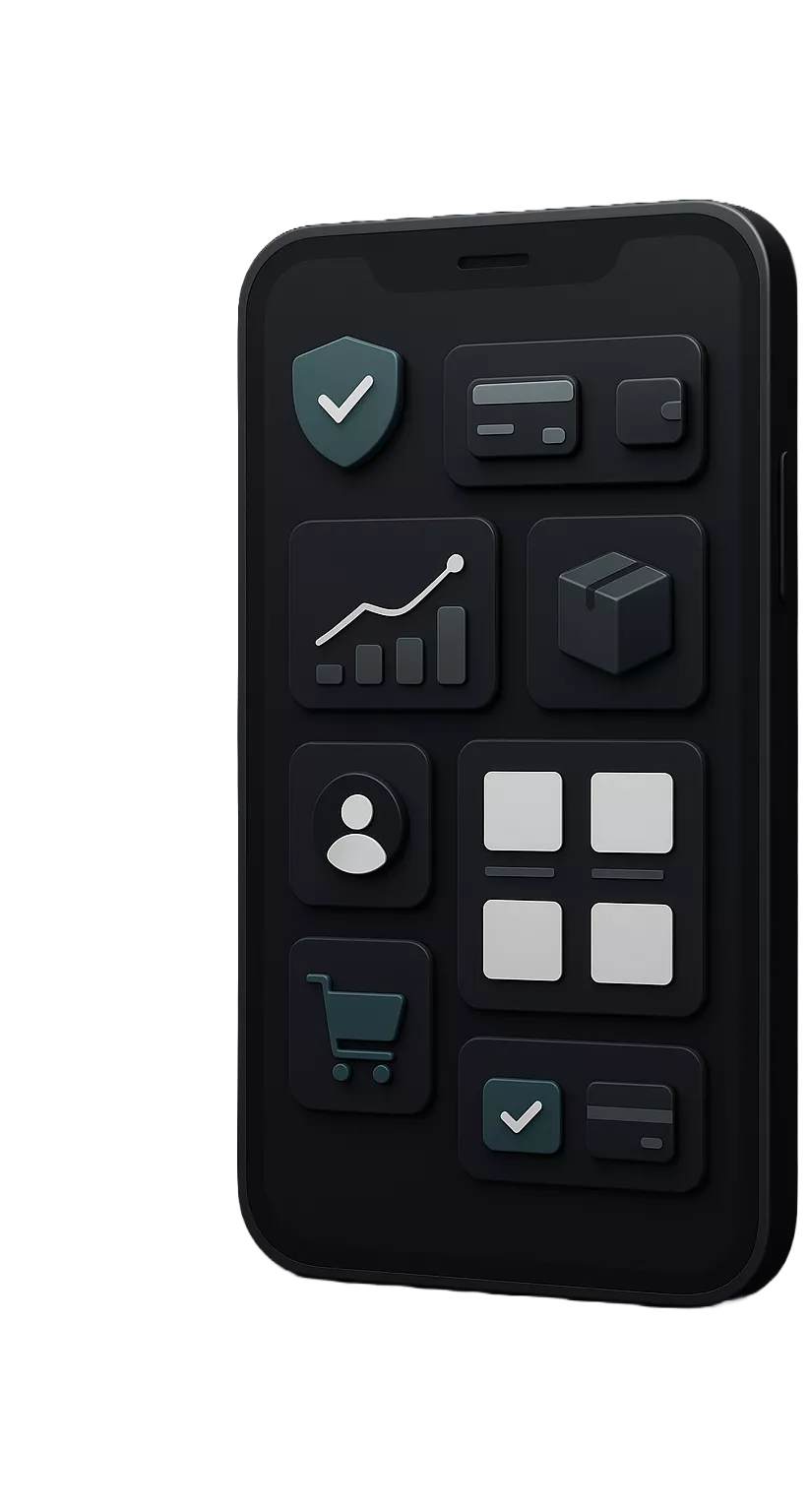
Payment Integration
Stripe and PayPal set up properly - credit and debit cards, digital wallets, buy-now-pay-later. Tested before launch, not patched together after.
Inventory Management
Real-time stock tracking that works whether you have one warehouse or several. Low-stock alerts, supplier feeds, the lot.
Customer Accounts
Secure registration, login, and password management. Returning customers get a faster checkout because the system already knows them.
Product Catalogue
Search and filter that works, so customers find what they're looking for without scrolling through pages of results.
Checkout That Converts
A short, focused checkout flow that removes friction. Fewer steps means fewer abandoned carts - and that shows up in your revenue.
Want to talk through your project?
Tell me what you're trying to build. I'll tell you which stack makes sense and what it would take to rank for your target keywords.